
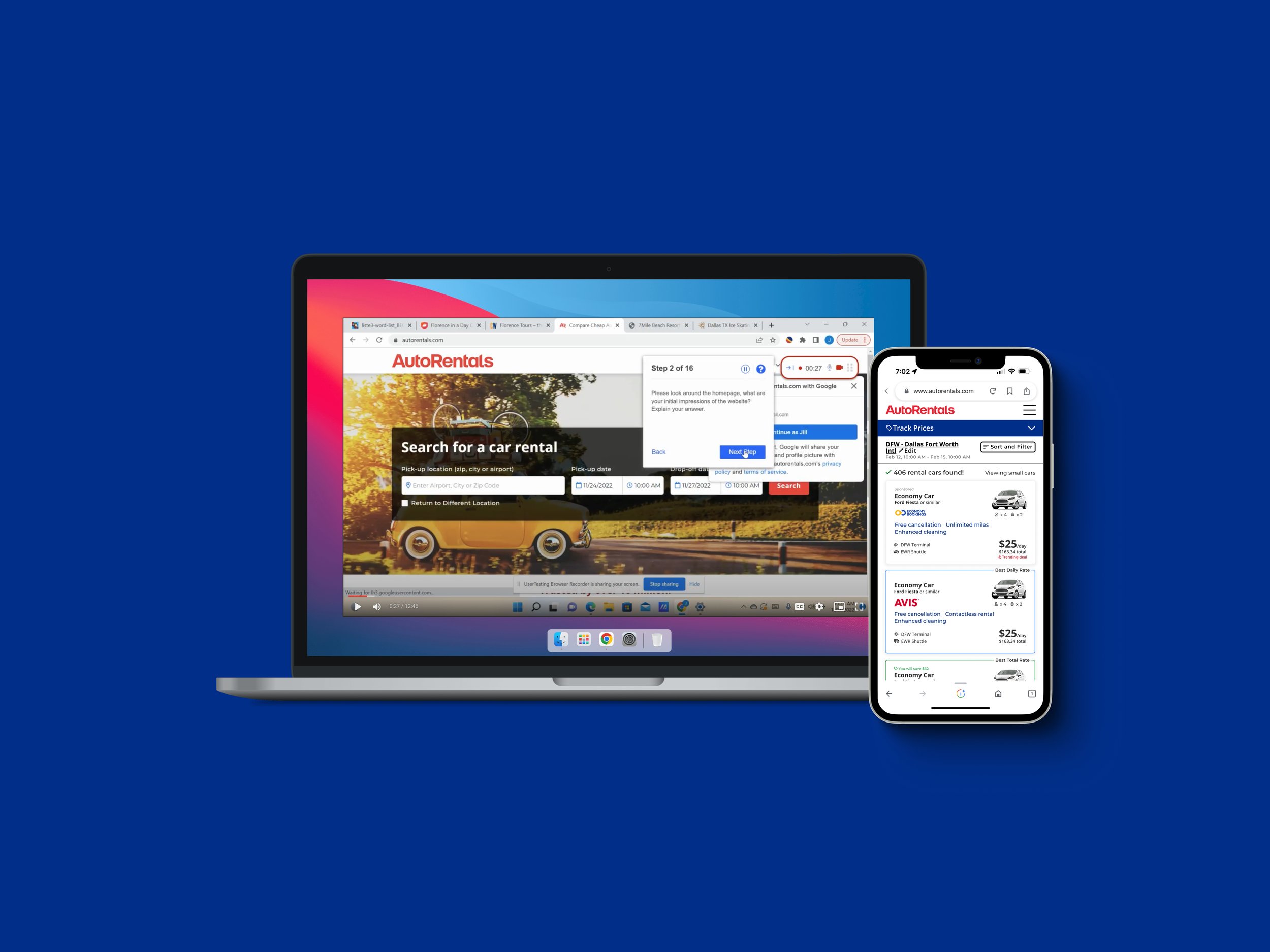
AutoRentals • UX Research, A/B Testing, & Feature Integration
Optimizing user engagement and revenue growth
B2C Travel
Industry
Engagement Increase
In quality users
+66.7%
Revenue increase
Overview
Enhance user engagement and drive revenue growth with strategic user experience research, a/b testing, and iterative feature integration, prioritizing mobile-first growth while reinforcing desktop engagement.
My role
UX Researcher & UX/UI Designer
The team
Director of Engineering, Product Owner, Lead Frontend Developer, Senior Frontend Developer, Jr. Frontend Developer, QA Engineer, & UX/UI Designer (myself)
I synchronized the design Kanban board with the engineering 2-week agile sprint development cycle.
Problem
Low user interaction, conversion, and stagnant growth on mobile and desktop due to insufficient usability testing insights and understanding.
Pain points
Balancing user experience with revenue goals: Certain revenue-generating features may not align with the best user experience, necessitating careful decision-making.
Competitive landscape: Other companies may also employ similar strategies to enhance user engagement and drive revenue growth.
User disruption: Introducing changes and new features through the iterative process may disrupt the user experience. Some users may encounter issues or changes they do not prefer, which can lead to potential dissatisfaction and negative feedback during the testing phases.
Product goals
User expectations: Meet user needs and preferences to increase engagement or customer retention.
Continuous monitoring and adaptation: Continuously monitor user behavior, market trends, and competitor activities to stay ahead and adapt the web app accordingly.
Resource allocation: Maintain focus on the primary business goals.
Step 1
UX Research &
Feature Generation
Step 2
A/B Testing
& Data Analysis
Step 3
Refinement
& Shipping

Step 1: UX Research & Feature Generation
Brainstorming and generating a list of potential product features based on user experience research
What I did:
Step 1: First, I conducted user research through interviews, UX research through usability testing, and industry trend analysis to inform feature ideas and enhancements.
Step 2: Then I presented research insights to leadership for buy-in on key findings.
Step 3: We collectively prioritized approved features with the Product Owner based on impact and feasibility.
Conducting user experience research
Interviews and usability tests:
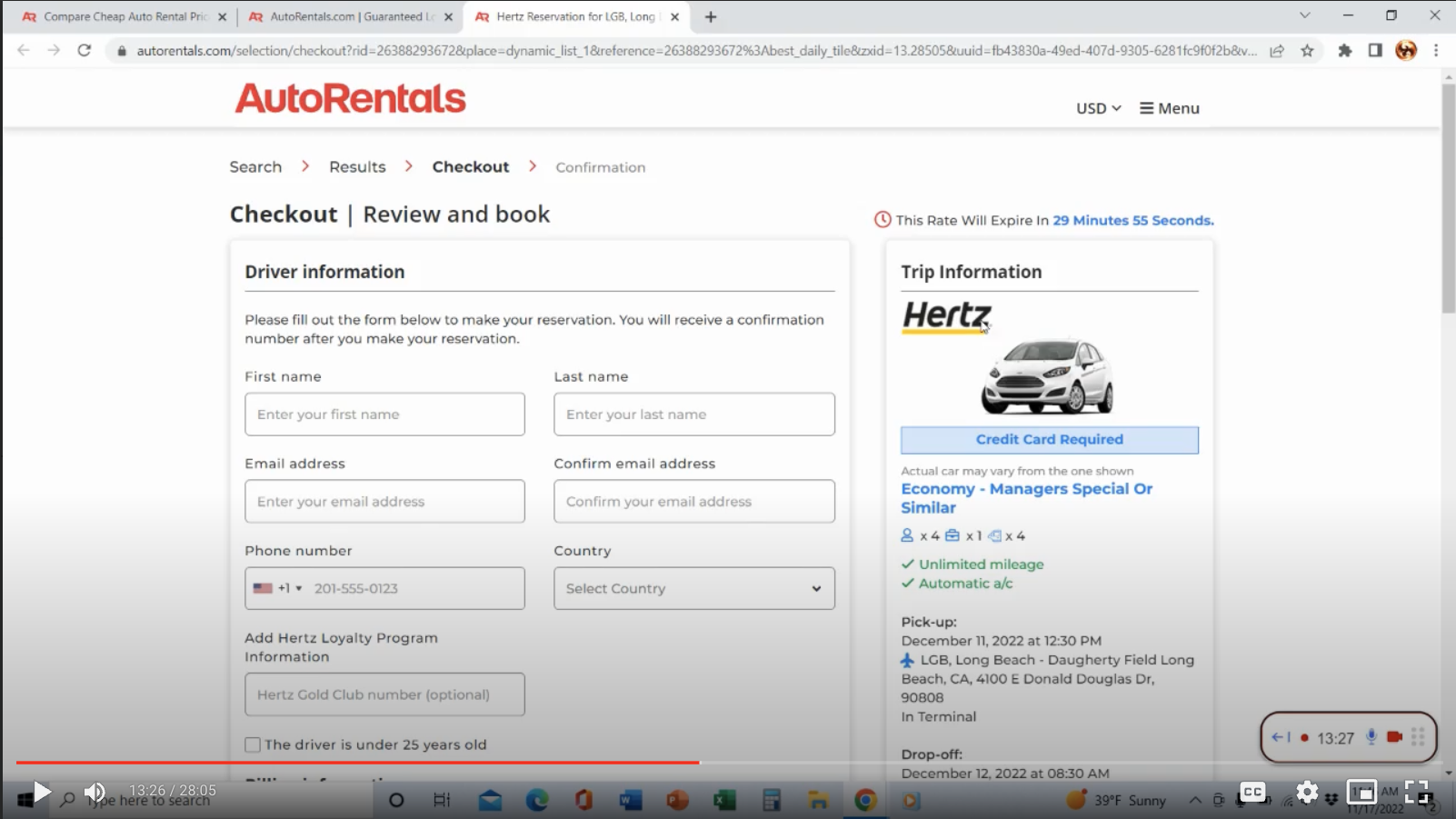
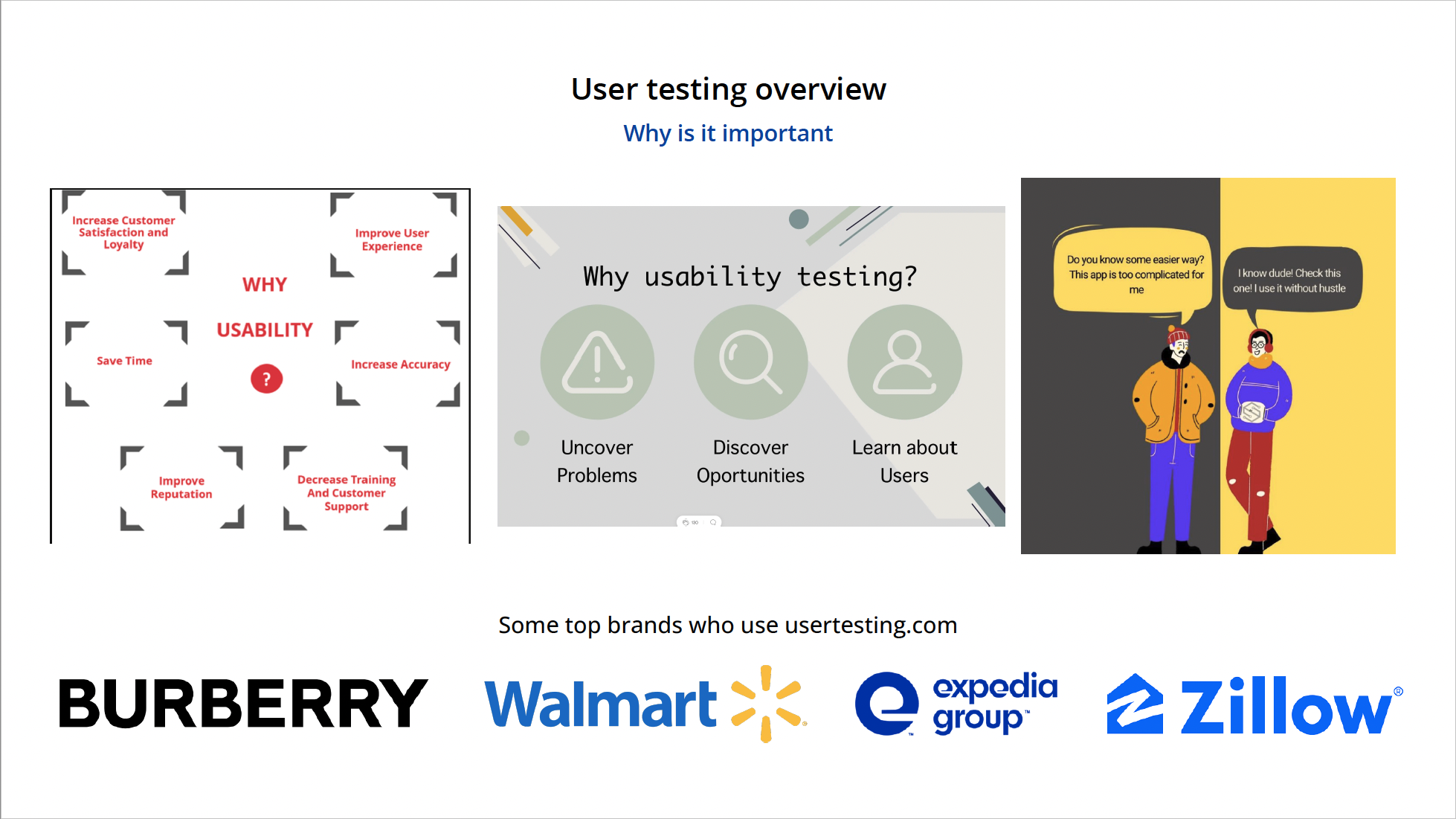
I conducted unmoderated user interviews and usability tests using UserTesting.com on desktop and mobile platforms to understand user sentiments, interactions, and identify opportunities for enhancing features to improve user satisfaction, increase engagement, and boost conversions.
My test objectives were:
Assess the user's proficiency in searching, comparing, finding, and booking an auto rental on AutoRentals.com.
Pinpoint any features on AutoRentals.com that may cause confusion or hinder users from successfully completing the primary objective of booking an auto rental.
Evaluate any inconsistencies or gaps in information on AutoRentals.com that could contribute to negative brand perception.
My main hypotheses were:
Upon completing the initial search on the homepage, users will express feeling overwhelmed by the matrix and the abundance of options presented on the search results page.
Poor design and information overload on the search results page hinder users from making informed choices, resulting in a low conversion rate.
My goals were to:
Compile a comprehensive list of improvements for AutoRentals.com based on test findings.
Prioritize the design improvements and proposed steps, arranging them according to their importance and feasibility to address the actionable issues identified.




Research analysis and summary
After conducting and analyzing user interviews and usability testing results and comparing them to current market trends, I compiled the most relevant findings:
Revise the car type naming convention using card sorting to ensure users easily understand the options.
Experiment with adding/updating pre-filters to the homepage search box.
Propose car options related to user searches when no results are found.
Improve car image handling to match the rate more accurately.
Enhance the list view tiles and checkout page by providing additional information, car specs, and features. Consider testing a car info page before the checkout (multi-step checkout).
Explore an updated view for the search results page, testing different layouts and rate displays.
Test various merchandising attention grabbers to highlight hot rates or low prices.
Implement supplier reviews and ratings to improve user trust and decision-making.
Key opportunities identified:
Updating homepage search box
Exploring updated views for the search results page
Better search handling when no results are found
Presenting and discussing with leadership
I crafted a concise presentation with highlight reels of the interviews and usability tests, along with a slide deck outlining my research methods and results. I presented these findings to the leadership team, leading a discussion on potential areas for testing and implementation to enhance user engagement and drive revenue growth.
Meeting attendees: CEO, CFO, VP of Marketing, VP of HR, VP of Business Intelligence, VP of Supplier and Partner Relations, Director of Engineering, Product Owner, and me




Discussion and prioritizing features
Prioritization with leadership
Following the initial presentation and discussion, the team contemplated my findings and agreed to reconvene with supplementary ideas. We decided to conduct another meeting to prioritize features. I streamlined the process by creating a collaborative Google sheet for everyone to input their ideas, including examples and references. Additionally, I highlighted the key areas of opportunity I identified. During the subsequent meeting, we collaborated with the Product Owner to determine and prioritize ideas based on feasibility, constraints, and overall value.
Features agreed upon and prioritized for redesign and a/b testing:
Responsive homepage search box
Mobile search results and desktop matrix search results
No search results found experience
Leadership's additional ideas prioritized for design and implementation:
Updated responsive filter interaction
Revised mobile navigation


Step 2: A/B Testing & Data Analysis
Conducting a/b testing to measure and compare feature success
What I did:
Step 1: First, I created design variants and collaborated with the engineering team for A/B test development.
Step 2: I then established control groups with Business Intelligence and the Product Owner to launch A/B tests on selected features.
Step 3: Lastly, I analyzed the control and experimental groups using Business Intelligence, in collaboration with the Product Owner, to identify statistically significant differences in performance.
Designing for a/b tests
Responsive homepage search box
We A/B tested one variant (new design) against the control (original design) but found no significant difference in metrics. It was concluded to end the test and create a new variant.
Mobile search results
We A/B tested three variants (new designs) against the control (the original mobile search results design) and determined that variant C outperformed the control/variants, and was subsequently moved to production.
Desktop matrix search results
We A/B tested four variants (new matrix search results designs) against the control (original matrix search results design) and determined that variant D outperformed the control/variants, and was moved to production.
No search results found
We A/B tested two variants (no search results found designs) against the control (the original no search results found design) and determined that variant B outperformed the control, so it was moved to production.

Step 3: Refinement & Shipping
Refining and shipping features based upon quantitative data
What I did:
Step 1: I iteratively refined designs using data insights to optimize performance.
Step 2: Then I collaborated with the engineering team to ship and launch refined iterations.
Step 3: Lastly, I designed and collaborated with engineering to implement features that were exempt from testing, based on earlier determinations.
Design refinements
Mobile search results
Based on the insights gathered, I made adjustments to the interactive elements on the new mobile search results page and then handed it off to engineering for shipping and production deployment.
Updated animation and text (loading screen)
Added loading progress bar as results load in (results screen)
Updated sort/filter button color from red to black (results screen)
Added checkmark icon to number of cars found (results screen)
Removed the ‘update car type’ button and replaced it with text
No search results found
I improved the usability and functionality of the final "no search results" screen based on data insights and stakeholder-requested feature additions.
Revamped design with a friendlier and more positive user interface, including updated icons and messaging
Integrated Google locations to suggest nearby search results for an enhanced user experience
Eliminated email subscription to prioritize the primary action of searching for new locations
Shipping features straight to production
Updated responsive filter interaction
Updated default filters to unchecked, and incorporated 'Clear all' and 'Select all' buttons for a user-friendly interaction, aligning with standard UX design patterns.
Revised mobile navigation
Enhanced mobile navigation with reorganized menu items, intuitive icons for better usability, and improved flow for sign-in, sign-up, and menu navigation, following standard UX best practices.
Conclusion
Business impact
By successfully implementing tested features, we significantly increased engagement among "quality users" on mobile.
Witnessed a noteworthy increase in conversions on both mobile and desktop platforms.
During the quarter when key features were successfully implemented, revenue surged by an impressive 66.7%.
Key learnings
Stakeholders experienced the transformative power of user testing, gaining firsthand knowledge of the profound impact of user feedback.
Relying on data rather than assumptions allowed for more informed decision-making and improved outcomes.
Gained a better understanding of what defines "quality users" for the web app.